
For Anime Model Eyes
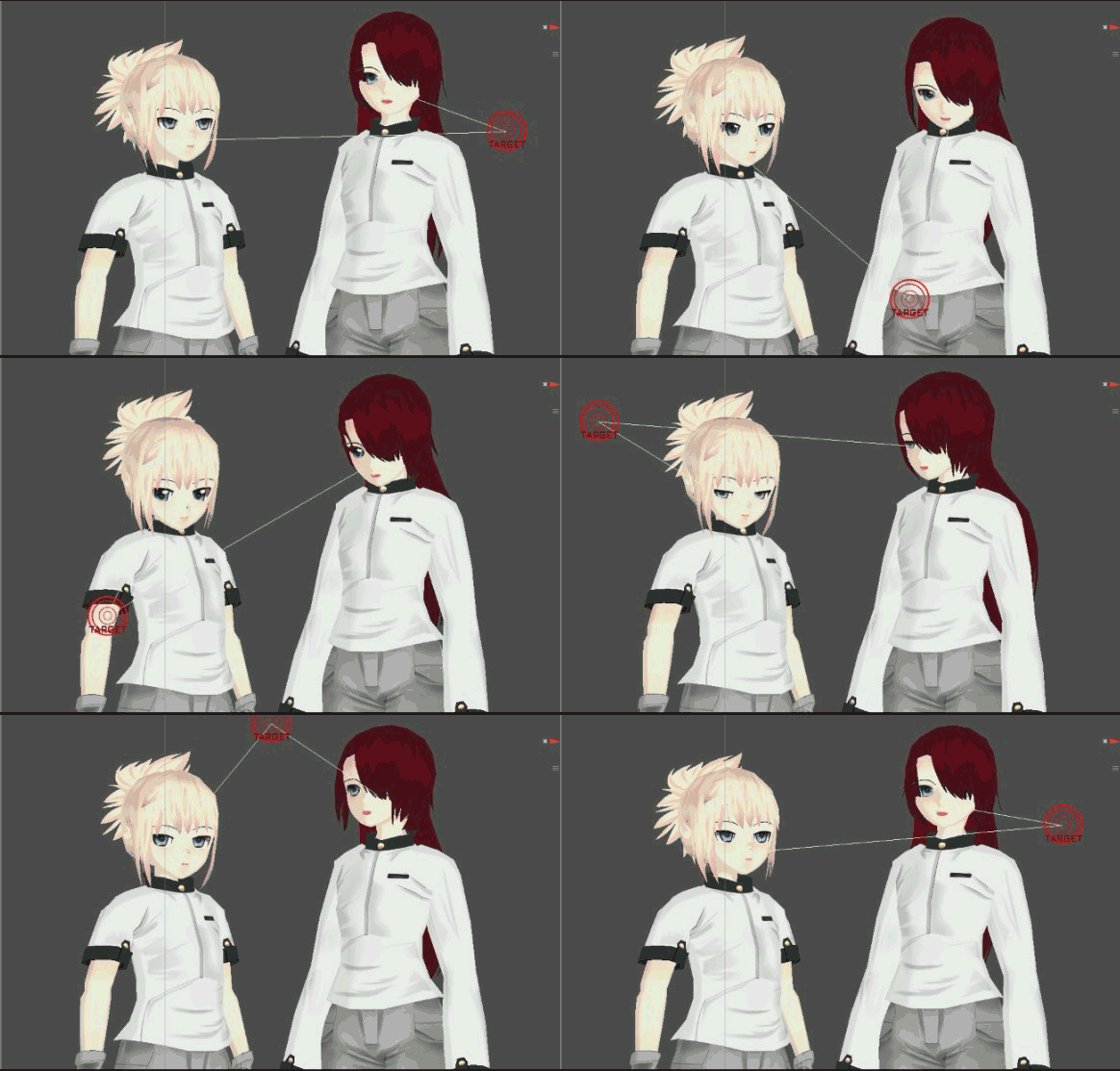
2D Eyes Focus
DOWNLOAD :
DOWNLOAD EYE IRIS FOCUS

2D eyes focus is suitable for the model which is using fully textured on eyes area.
Requirement:
- Unity 3D
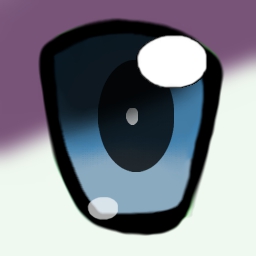
- 3D model which only use a texture for each eyes. Example: (Eye texture)

Steps:
+Open your ready model and Export using FBX. :
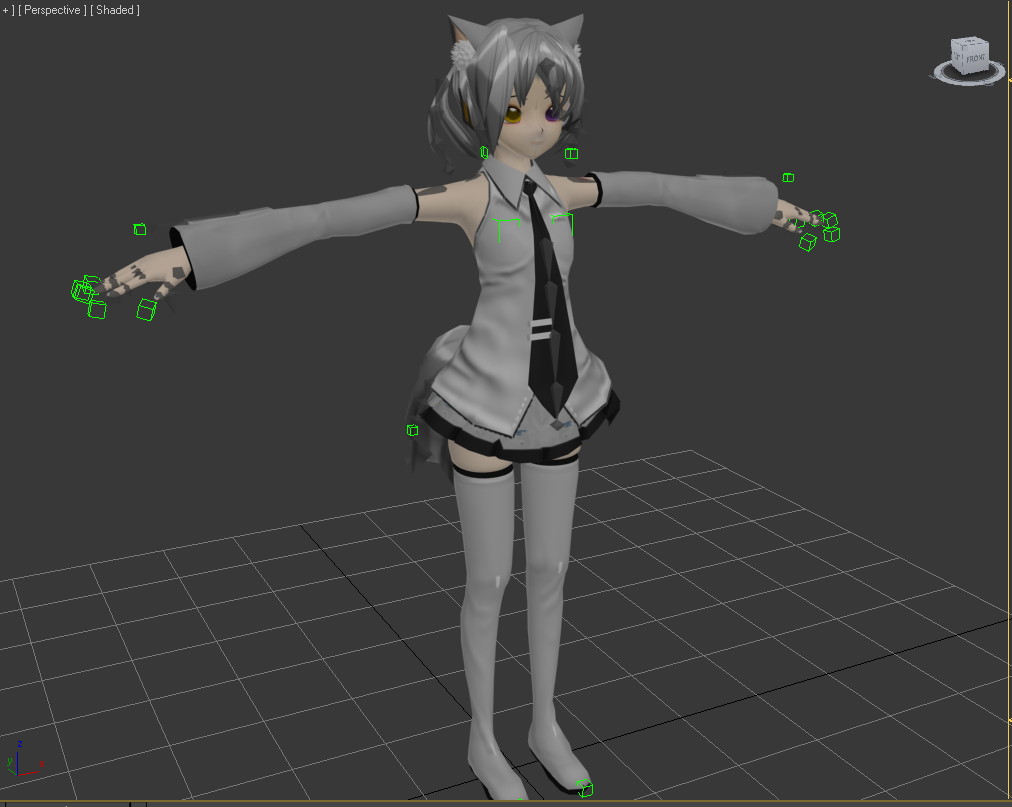
+Import the model into Unity. Make sure the size in Unity is proper scale 1 , 1 , 1

+Import the custom package of “2D Eyes Focus’
+Add Xeno Eye Iris Focus Component on 3D model inspector
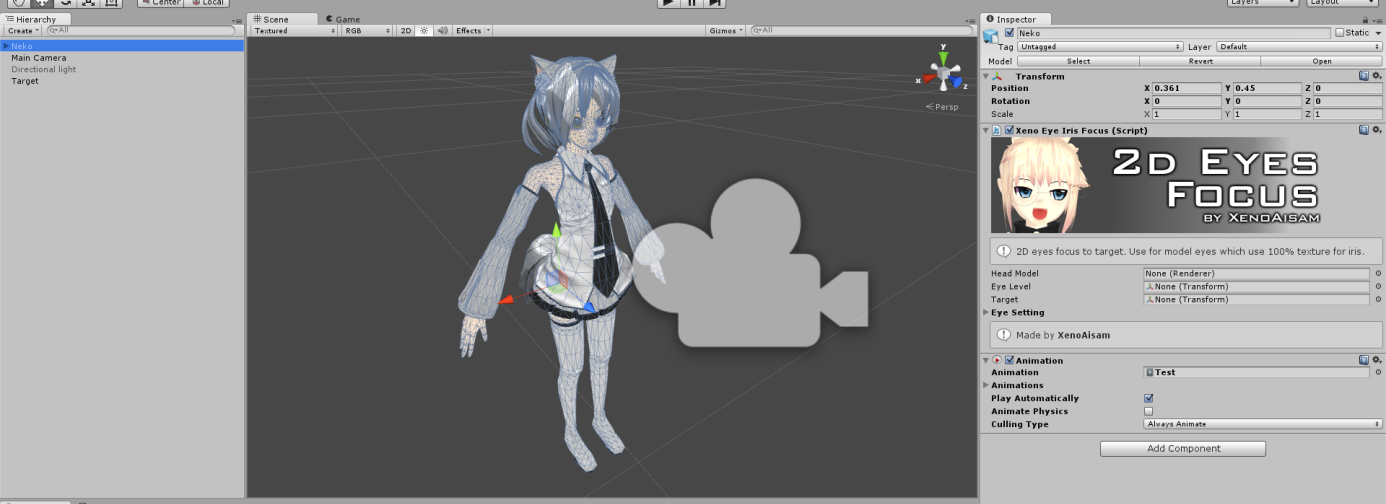
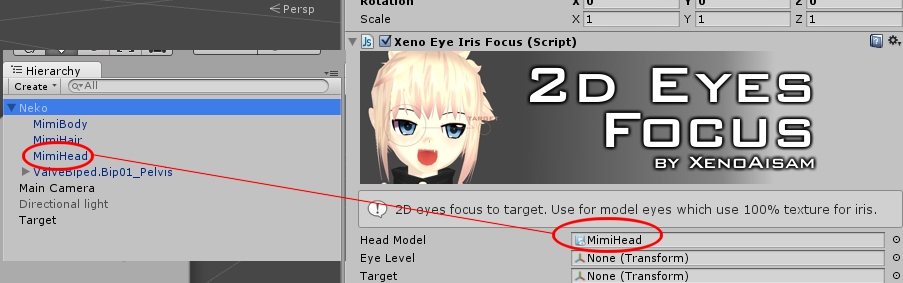
+Set ‘Head Model’ or any model which have Eyes Material on it
+For the “Eye Level” you need to create child GameObject on your model.
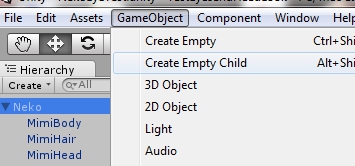
+Make sure the axis of Z (Blue) is aligned with your model facing.

+Now you can rename your ‘GameObject’ with ‘EyeLevel. And now make the head bone as its parent
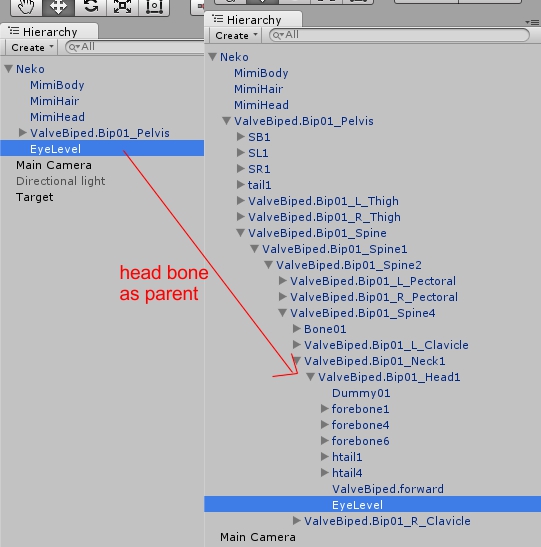
+Now set the transform position of ‘Eye Level’ to all 0, 0, 0.
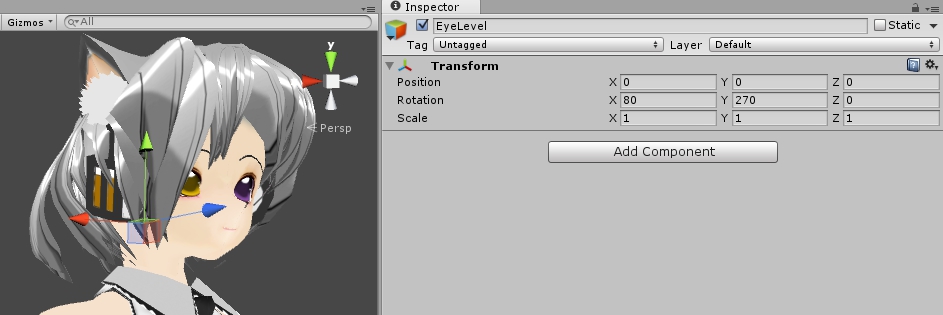
Probably you want to set your rotation to 80, 270, 0. But make sure your ‘Eye Level’ z-axis is facing same direction with your model face.
+Now you can drag the ‘Eye level’ into the empty slot of Eye level in 2d eye focus inspector
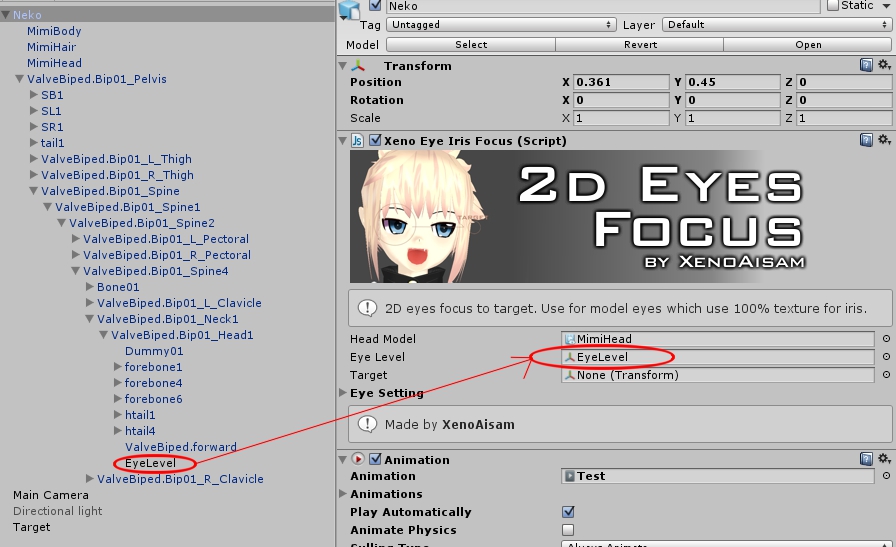
+’Target’ Empty slot is the target for the iris to focus/tracking/follow around. It’s up to you what kind of target you want to use.
If you want to use script and change the target in real-time, use this method to call:
var NewTarget : Transform;
var EyeFocusScript : XenoEyeIrisFocus;
function NewTargetting(){
EyeFocusScript.Target = NewTarget;
}
+Eye Setting drop down to setting the eyes. It’s all explanatory in the inspector

Have a nice trying 🙂
 Xenoaisam Website